Paint On Screen · Customer connection
Product Passport
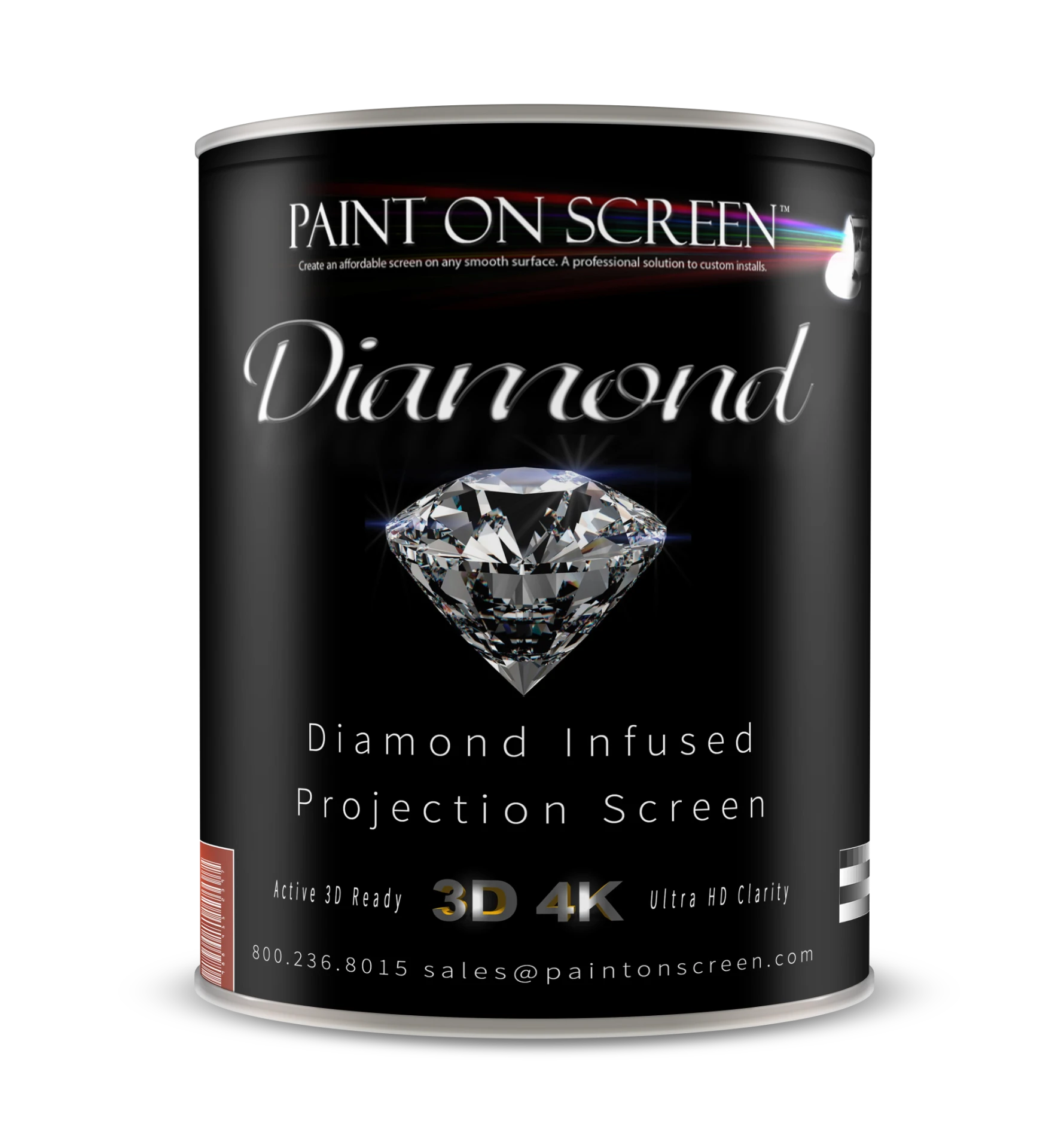
Scan your can. Know your paint.
SDS, EDS, installation and master guides, gain reports, and certificates when available — alongside your can’s quality records, warranty, and project photos.
Start with your code
Your Product Passport
Use the QR code or printed code on your can, package, or thank-you card. Individual records are available only with their matching code.
No can code? Activate your warrantyBrowse public product documentsScan or enter the code
From the can to your finished screen
Your existing code brings you back any time.
- 01
Open your product journey
See the authenticity and quality information available for your code. General cards show product-period evidence, not a unique can’s QC.
- 02
Share your screen
Add photos or a video of your finished installation. You choose whether your uploads can be featured publicly.
- 03
Activate your warranty
Complete the existing activation steps to receive your warranty and certificate. Your thank-you reward shows the amount actually issued.
Just installed your screen?
Start your warranty activation, share your project, and claim your thank-you code.
Activate a warrantyNeed a hand?
Code not working or a question about your installation? Talk to the Paint On Screen team.
Contact us